

Where Do Your Python Variables Actually Live?.
Have you ever wondered where a simple x = 10 physically lives inside your computer? Python doesn't just throw your data into a messy pile; it plays a highly organized game of memory Tetris to keep your code lightning-fast.
Before we dive into the mechanics, open your Python terminal and type this:
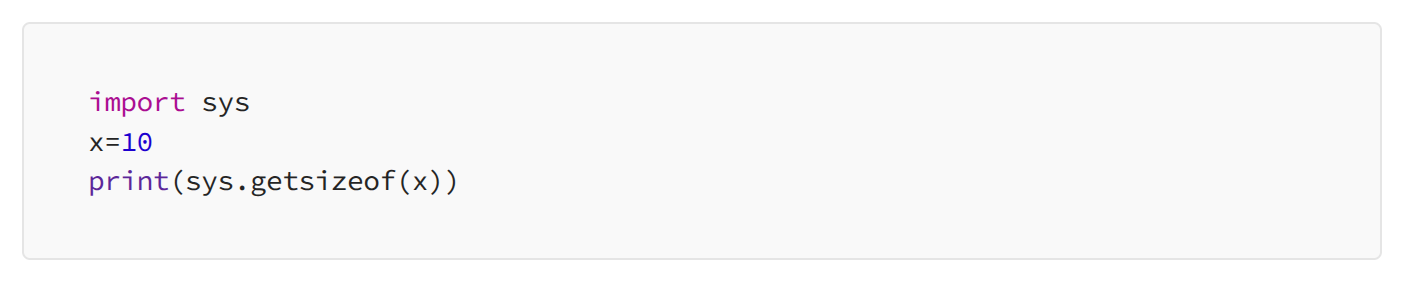
Did you see a number like 20 or 30? That is the exact number of “bytes” your string needs! Let’s look at exactly where Python parks those bytes.
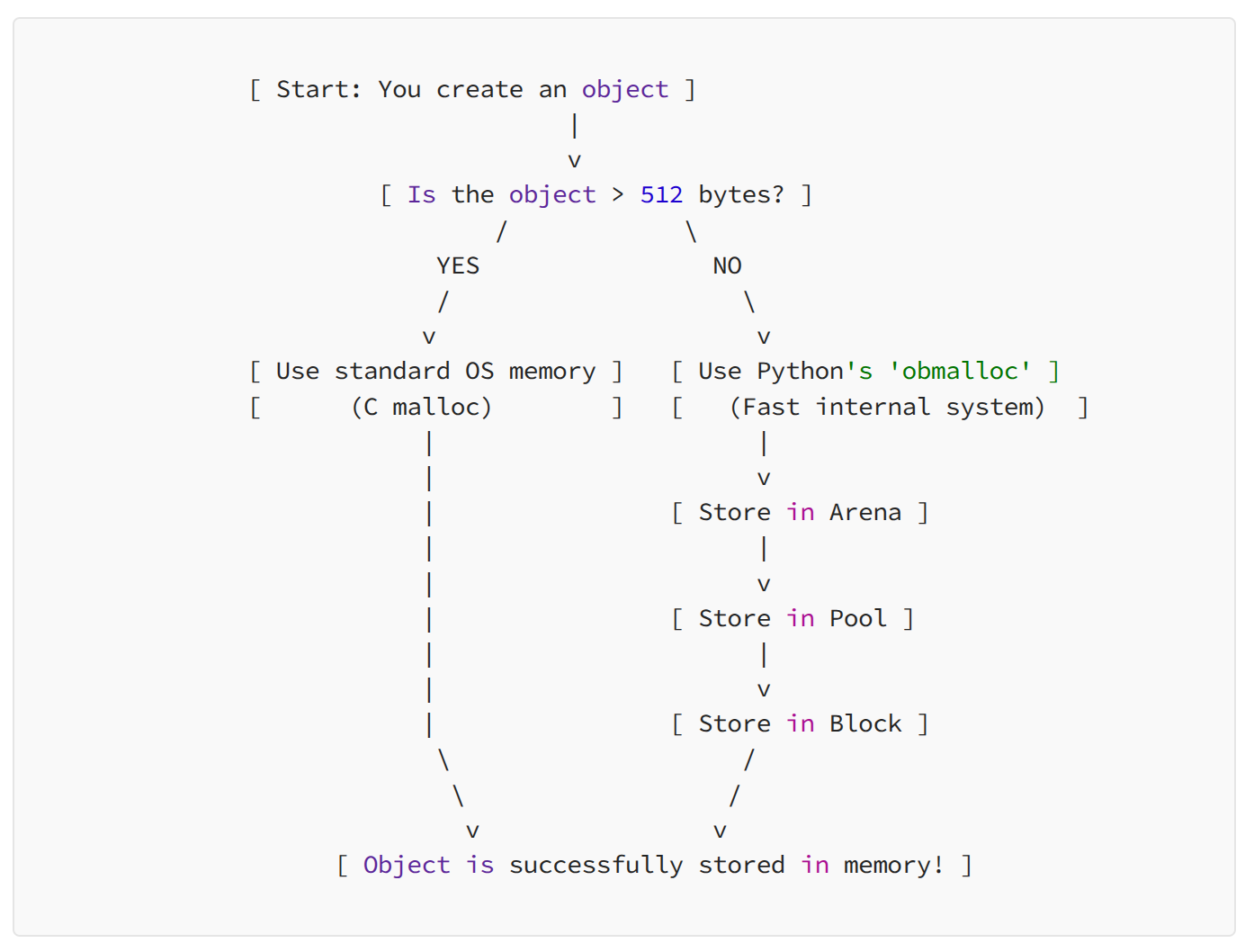
When you create a variable or object in Python, it needs space to live. Python divides this task based on the size of the object.
- Small Objects (512 bytes or less): Python uses its own super-fast, pre-organized filing cabinet called obmalloc. It breaks space down into layers: Arenas (huge chunks) → Pools (medium chunks) → Blocks (exact size needed for the object).
Large Objects (More than 512 bytes): Python doesn’t bother with the filing cabinet. It goes straight to your computer’s Operating System (OS) and asks for raw memory using a standard C command called malloc.
The Step-by-Step Analogy:
- The Size Check: Python first looks at your 54-byte string. Because it is a small object (under 512 bytes), Python avoids asking your Operating System for raw memory and instead uses its own lightning-fast internal filing system.
- Securing the “Arena” (The Building): Asking the computer for memory over and over is very slow. To fix this, Python buys memory in bulk, claiming a massive 256-Kilobyte chunk called an Arena. Think of this as Python buying an entire Parking Garage building all at once.
- Building the “Pools” (The Floors): Inside that giant Arena, Python builds smaller sections called Pools. The strict rule here is that every Pool is designated for objects of the exact same size. In our analogy, this is like dedicating a single floor in the garage exclusively for compact cars.
- Parking in the “Block” (The Space): Finally, Python divides the Pool into Blocks. Your 54-byte string slides perfectly into a Block, which acts as an individual painted parking space perfectly sized for your exact data.
The most interesting part is, you don’t have to manage this — Python automatically handles the Arena-Pool-Block hierarchy, ensuring your code runs fast without wasting a single drop of memory!